
Drop-In Waterfall — Realistic URP System
Animated waterfalls, mist and reflective rivers for Unity URP.
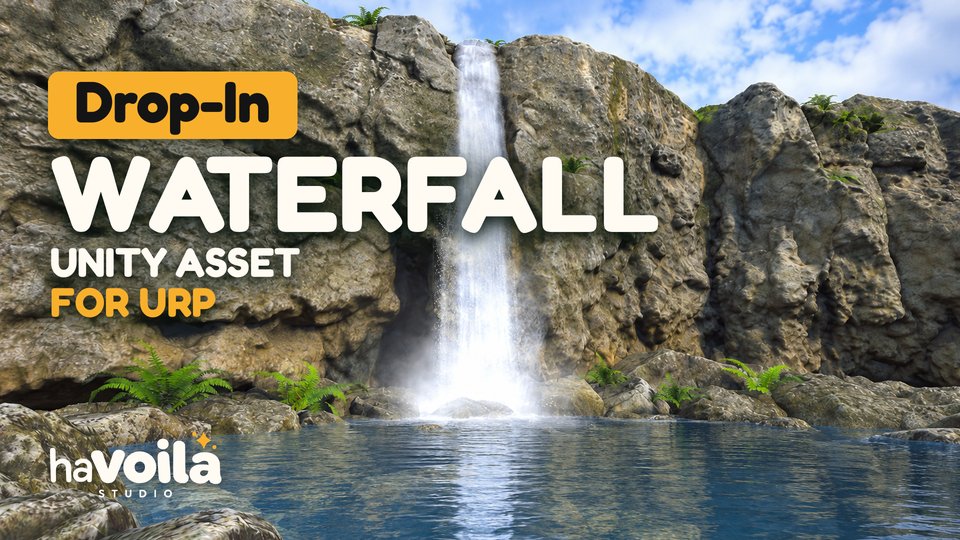
The video plays from YouTube (youtube-nocookie.com) once you press play.
Overview
Drop-In Waterfall brings animated waterfalls and rivers to your Unity environments, with adjustable effects for desktop, mobile and XR projects.
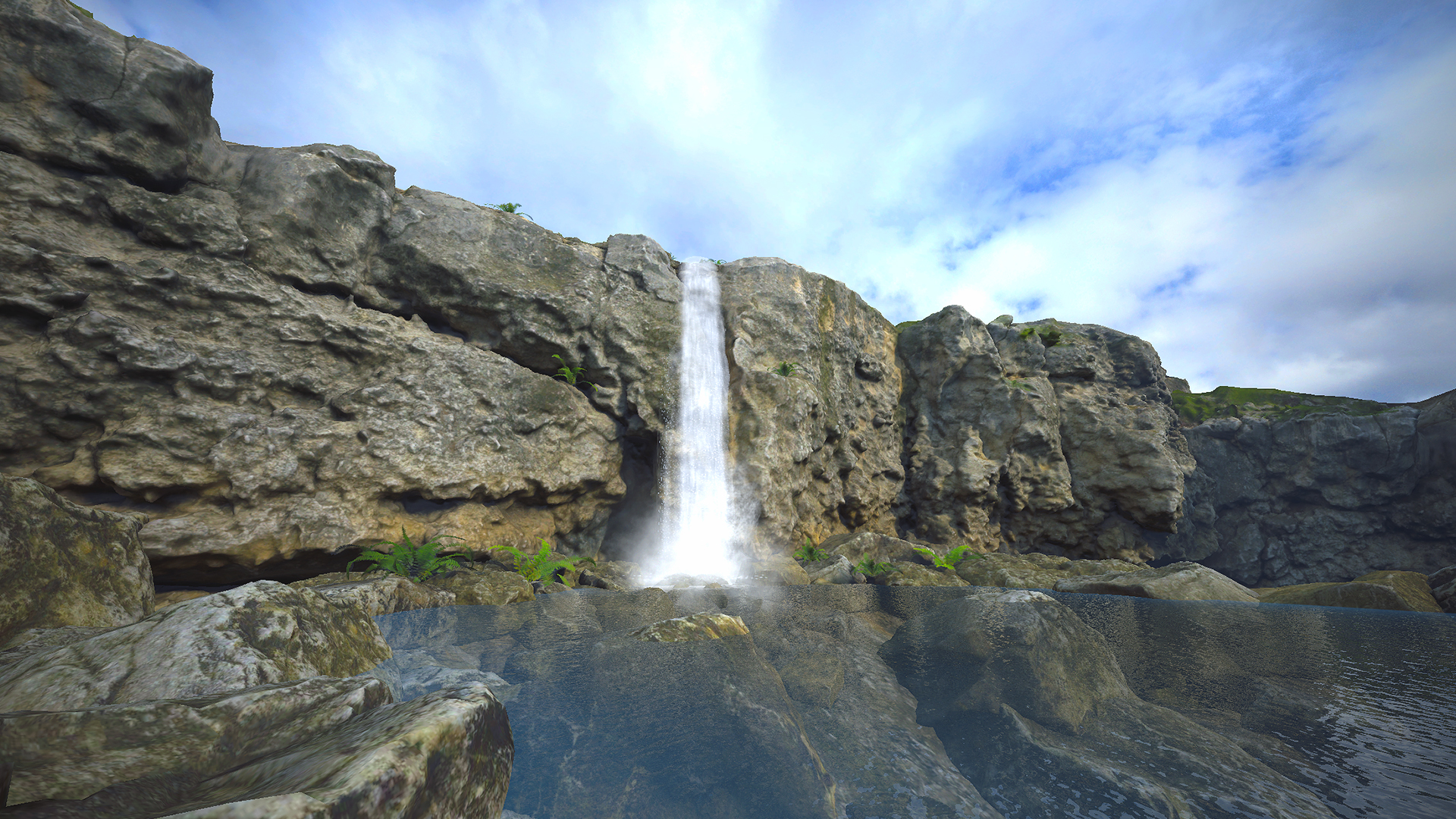
Falling-water streaks accelerate with gravity while the column bulges, narrows and sways. Animated self-shadowing, particles and mist tubes add volume. The transparent river and plunge pool use baked depth, flow and foam, with optional reflection probes for the surrounding environment. No camera depth or opaque texture is required.
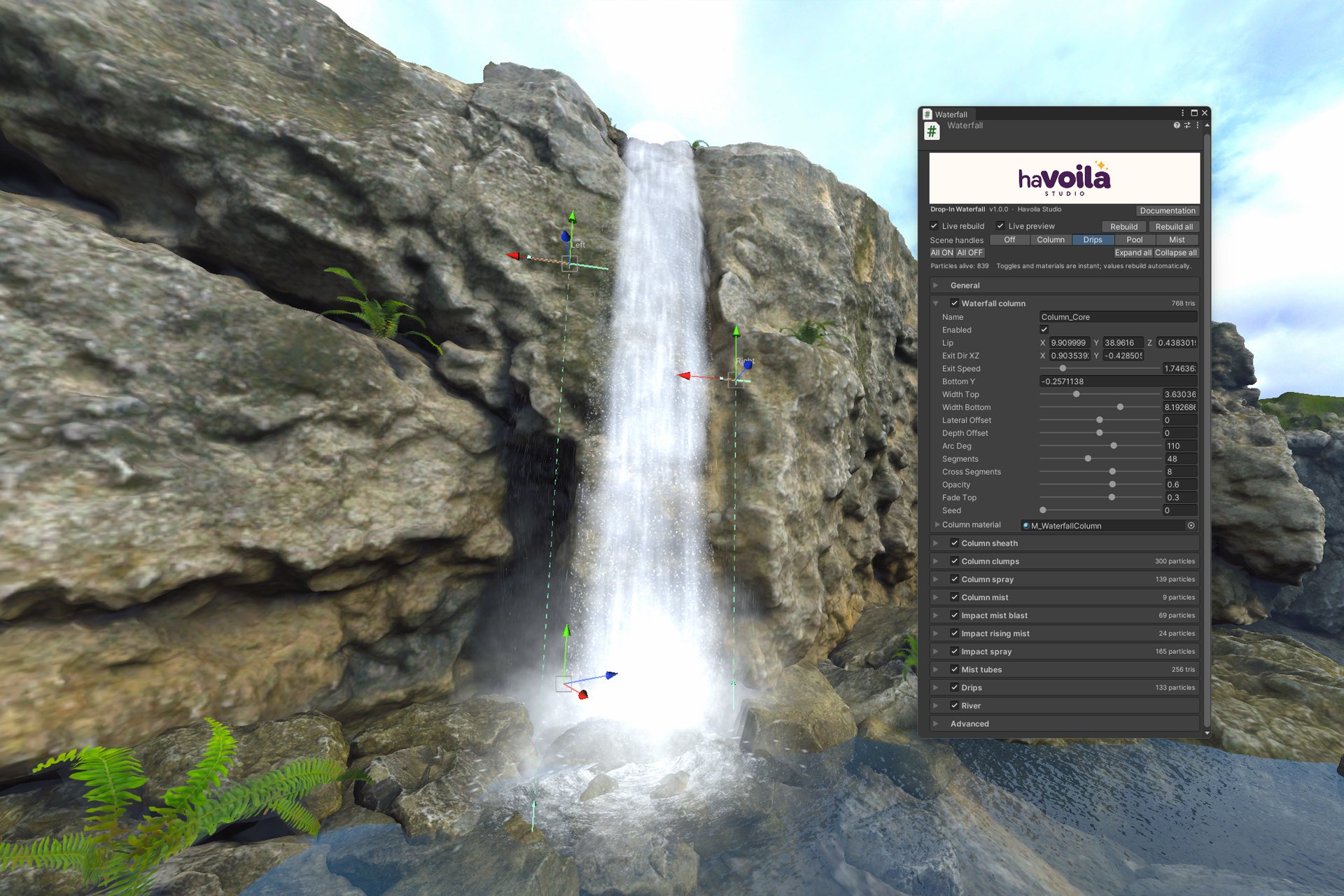
Set up the effect in one component, with an Inspector made for artists: one section per element, ON/OFF switches, inline materials, sliders, tooltips, live rebuild and a slow-motion preview. Scene view handles help fit the waterfall to your cliff.
Tested on Meta Quest 3 with smooth performance during device testing. You can adjust mesh resolution, particle counts and effect layers to suit your scene.
Key features
- Falling-water column with gravity-stretched streaks and an animated, irregular outline
- Lit by the scene, day and night: the sun or the moon with its shadows, the ambient light and optional point and spot lights
- Simulated self-shadowing: darker masses and surges travel down the column
- Fog: Unity's fog, or the fog and ground mist of Drop-In Sky & Weather (sold separately)
- Unity Particle Systems for clumps, spray, column mist, impact blast and rising mist; the impact spray flies all around or aimed one way
- Mist tubes around the foot of the fall to add volume from different viewing angles
- Drip sources with fine drops and optional rain curtains
- Transparent river and plunge pool with three bake modes: Flat Rectangle, Below Water Level and Path (a river drawn on the ground in the Scene view)
- River reflection probes with adjustable smoothness and tint, probe blending and box projection
- Scene view handles, including the impact spray's aim, undo, live rebuild and slow-motion preview
- Create menu with 6 m, 15 m and 35 m starting layouts, plus a ready-made prefab
- Single-pass instanced and multiview shader variants; no custom per-frame runtime scripts
Good to know
URP only. Only realtime lights reach the effect (Mixed or Realtime, not Baked). River geometry and flow are baked; fluid simulation, water collision and interaction are not included. Reflections use cubemaps, not planar or screen-space reflections.
Gallery